DownloadPeak 994Avg 536 Mbps
972Mbps
PandaFan · Clients
Every device. A familiar PandaFan.
Install the app on your computer, phone or tablet. Bring TVs, consoles and more online through your router or gateway. One PandaFan for your whole network.
972Mbps
143Mbps
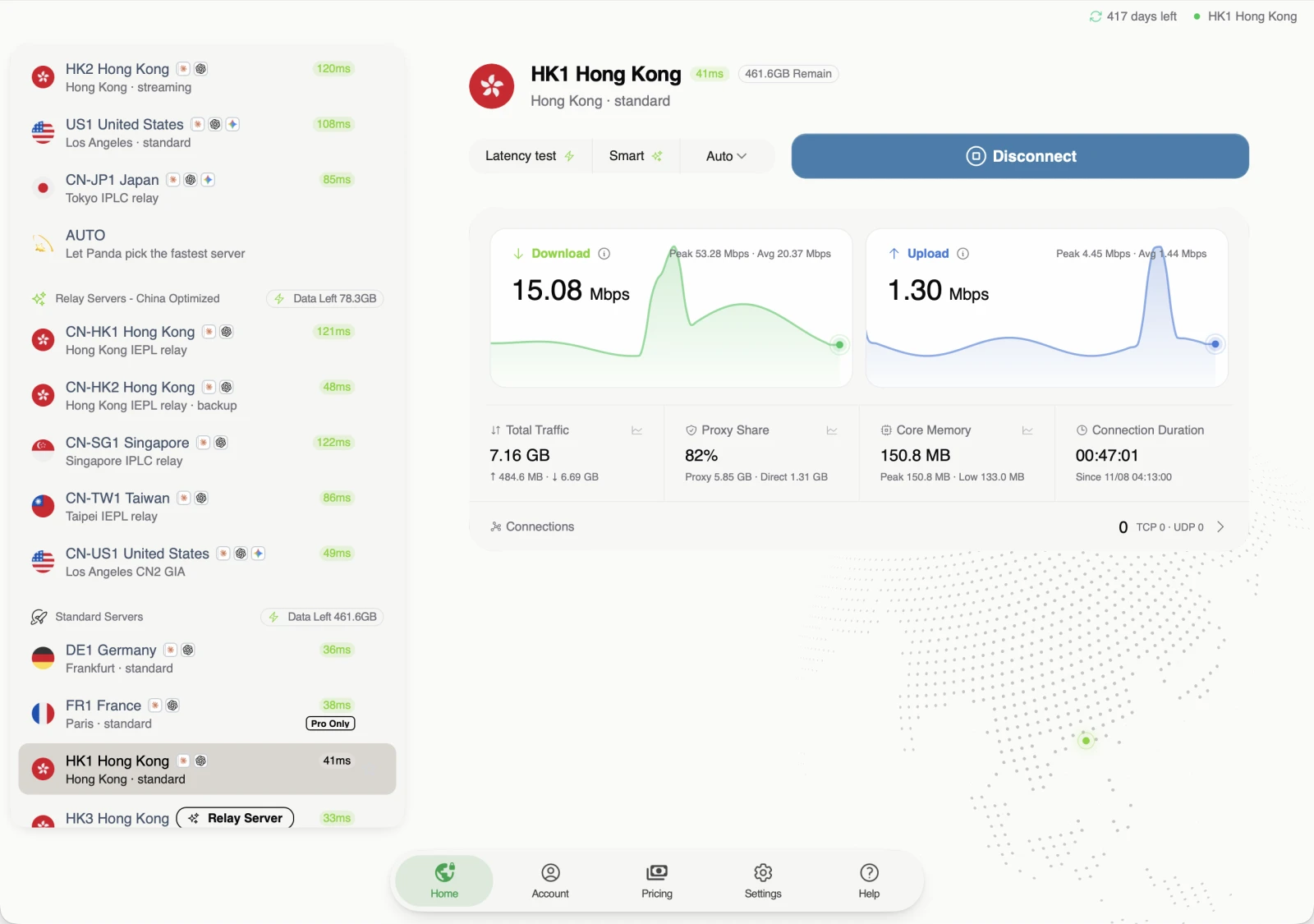
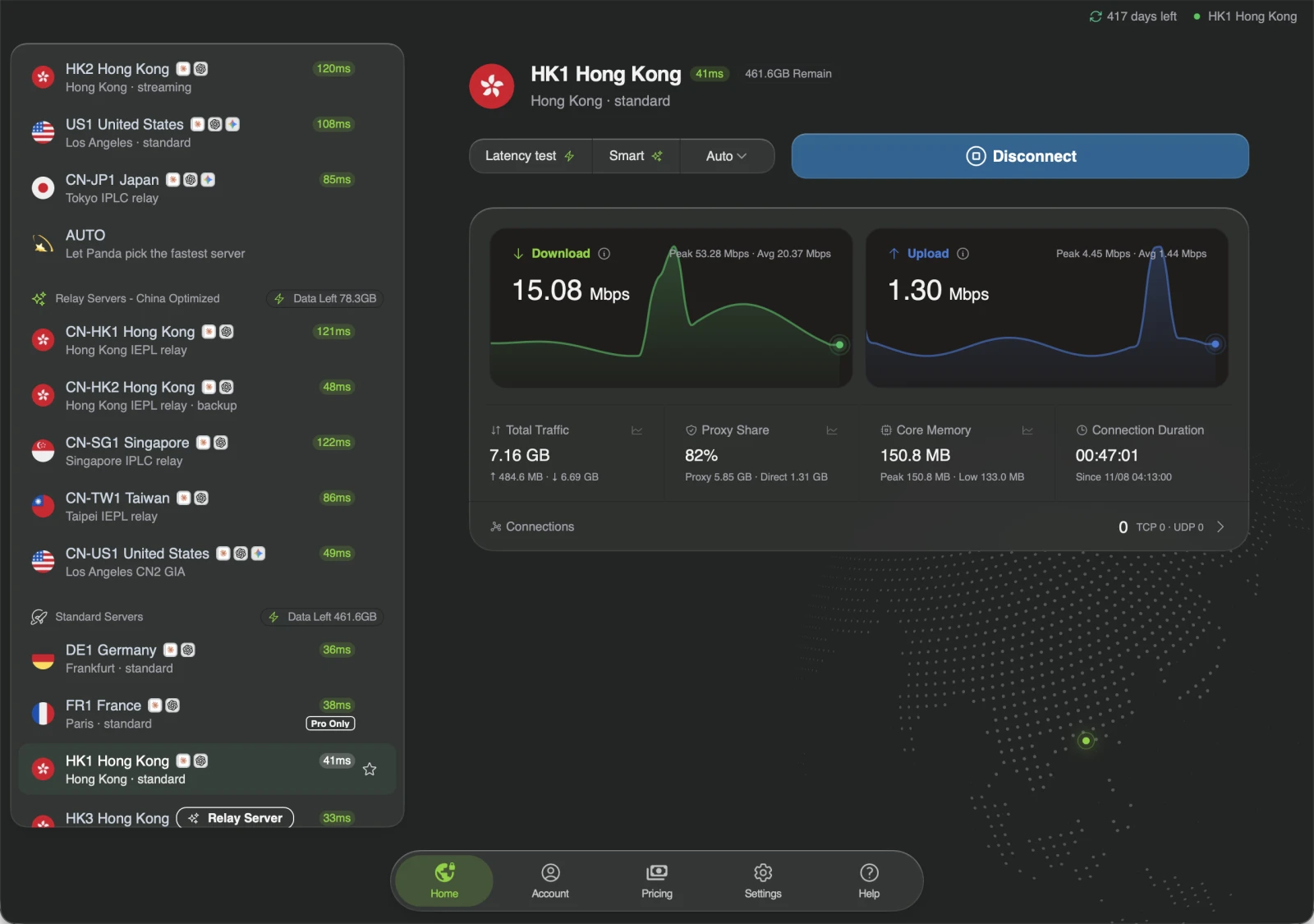
Windows / macOS
Click Connect to let PandaFan pick a server, or choose one yourself. PandaFan selects the protocol for you, improving the chance of connecting without making you try each option.
Desktop / Request records and custom rules
Filter requests by app or domain to see which server handled a connection and which rule matched. Right-click a request to send that app’s traffic directly or always use the proxy for that domain.
Filter by app and destination
Inspect servers and matched rules
Track traffic and connection duration
Desktop / LAN gateway
Smart TVs, set-top boxes and game consoles can connect without their own app. Enable gateway mode on a Mac or Windows PC on the same network, then set it as each device’s default gateway. You can choose routing rules for each device.
iPhone / Android
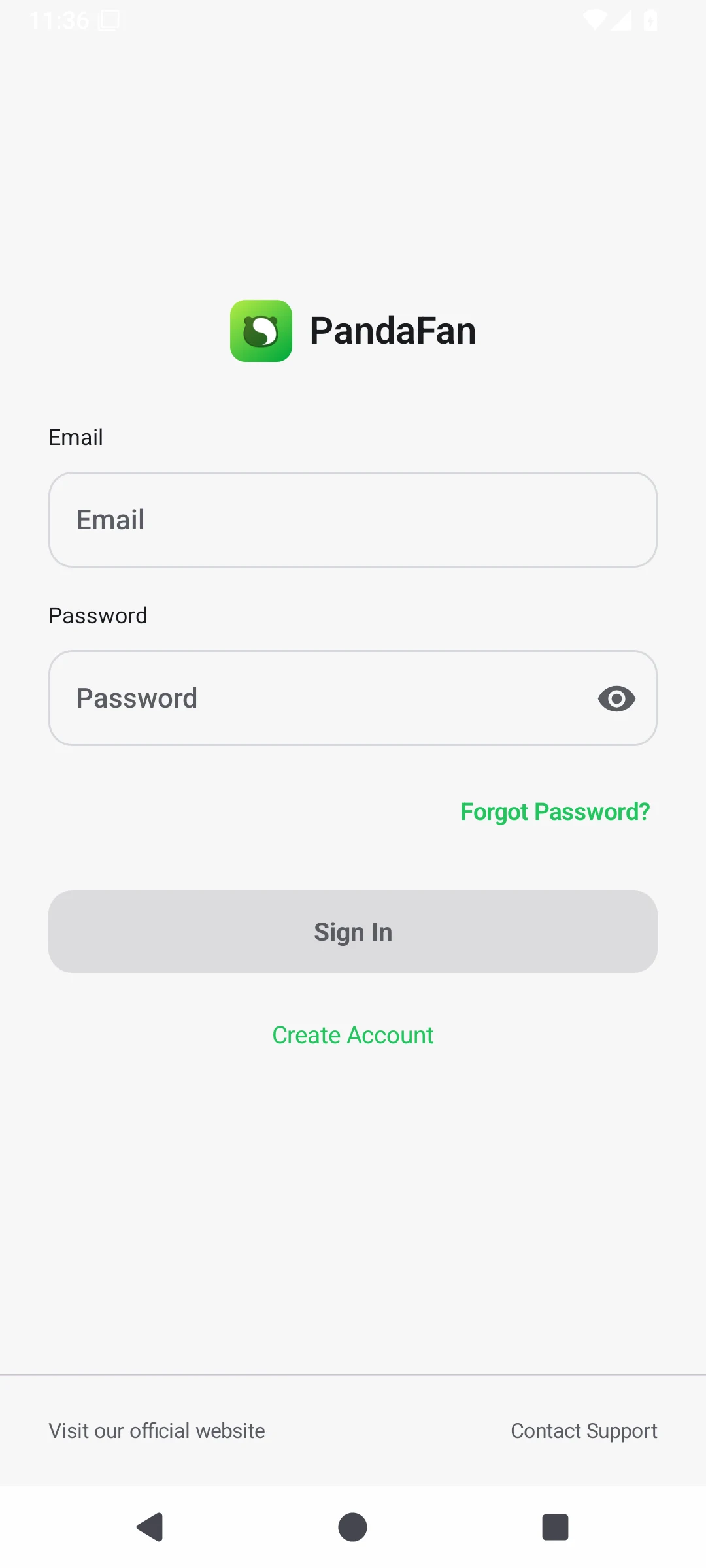
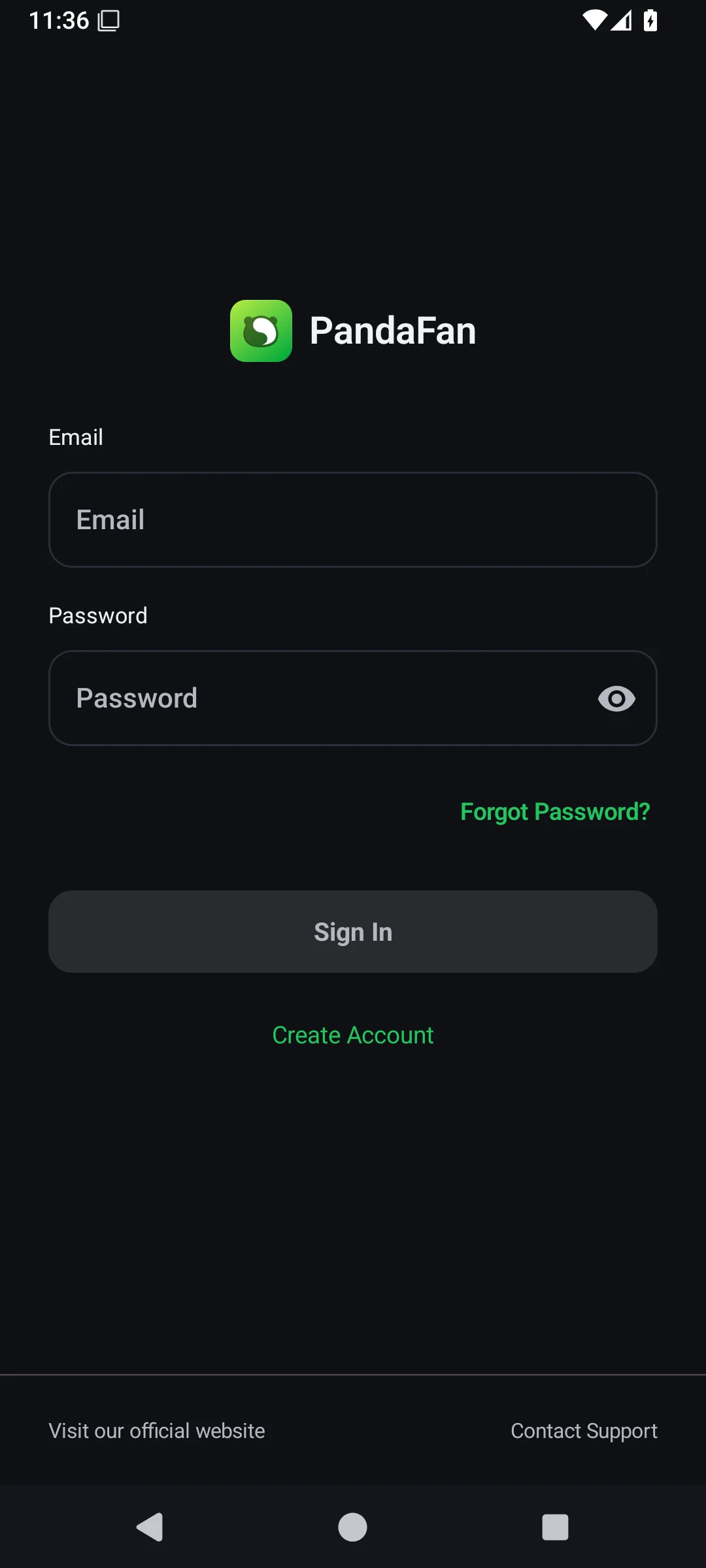
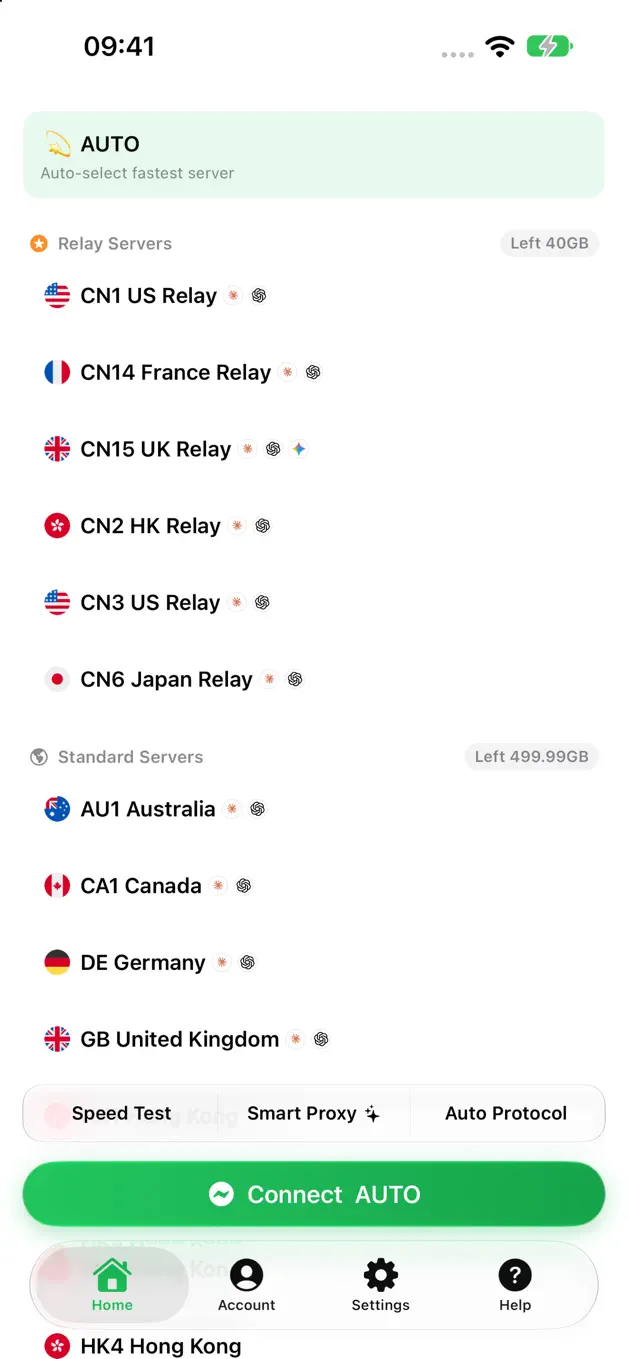
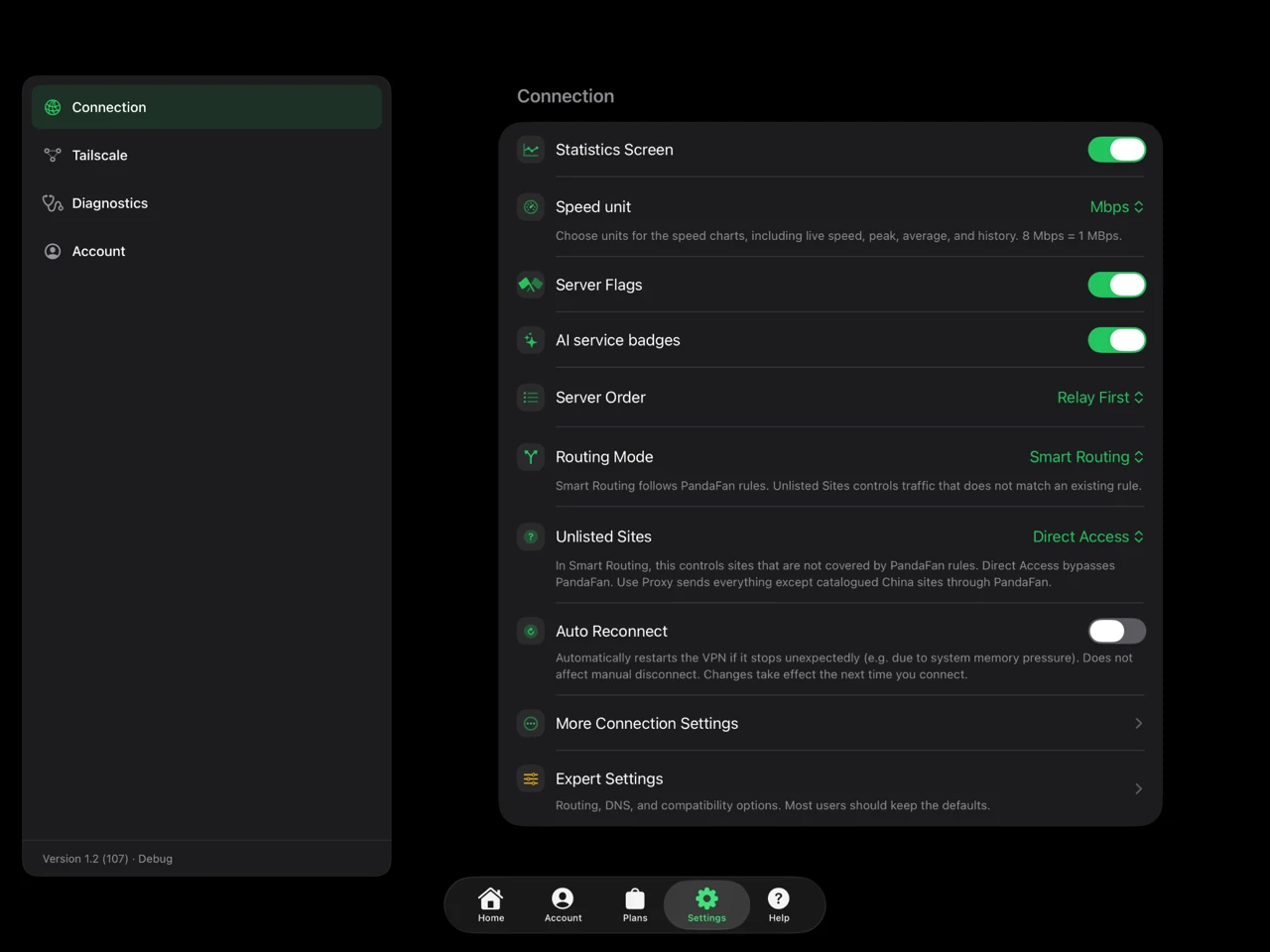
On iPhone or Android, sign in and choose a server to connect. Your existing account and plan work on both.
iPhone / iPad
PandaFan is tuned for the way you use each screen, whether you’re holding an iPhone in one hand, unfolding an iPhone Duo or using the larger display on iPad.
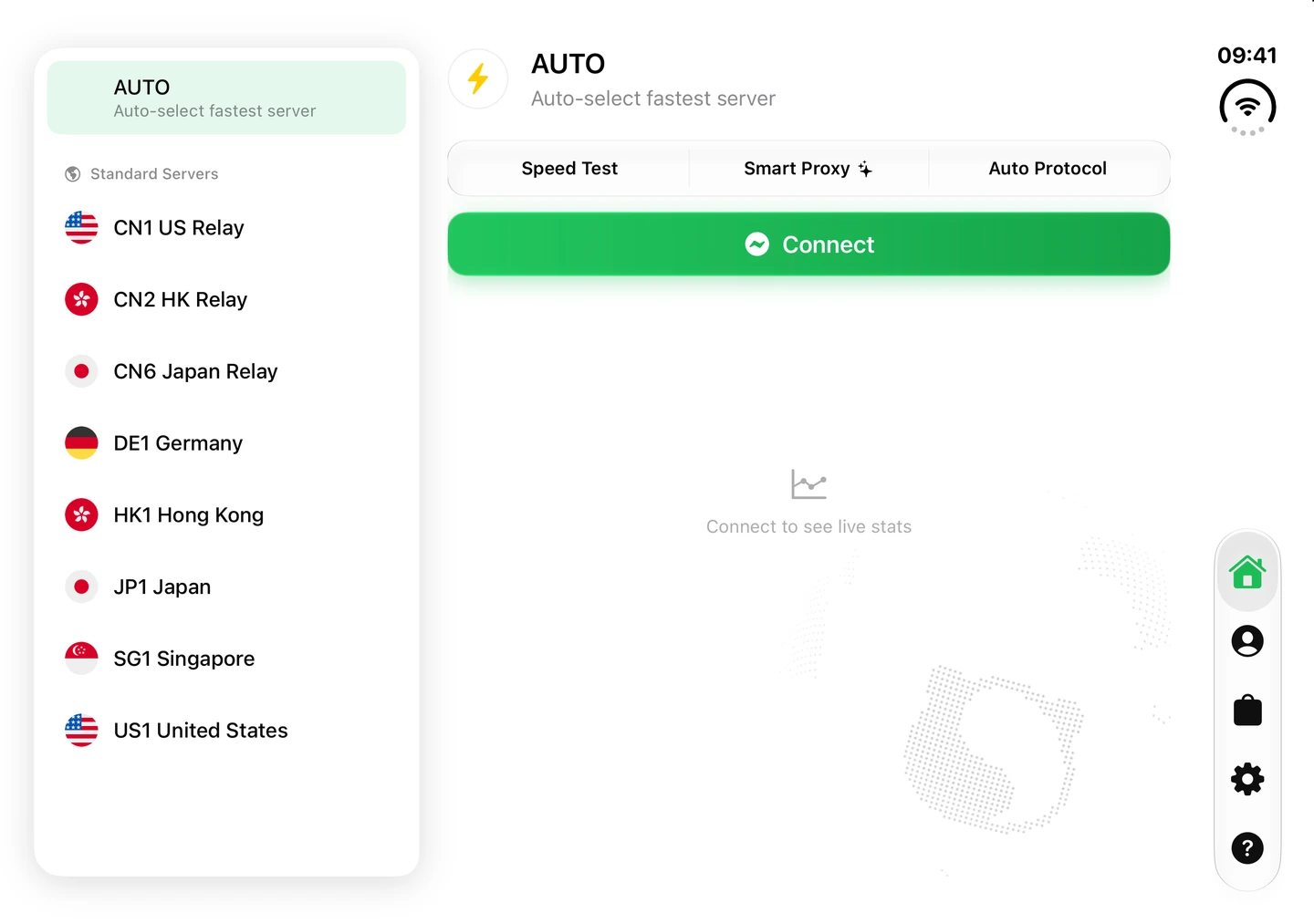
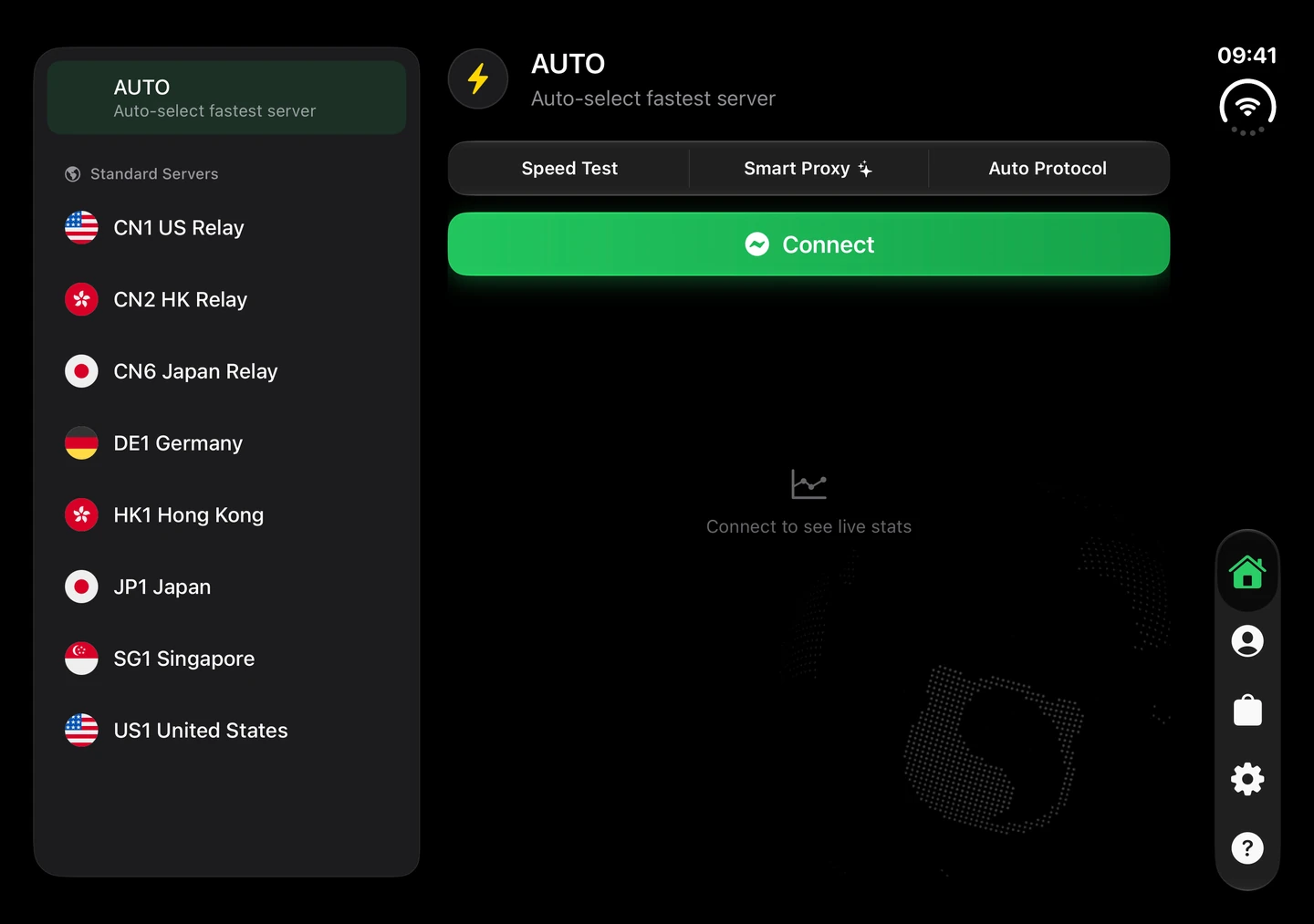
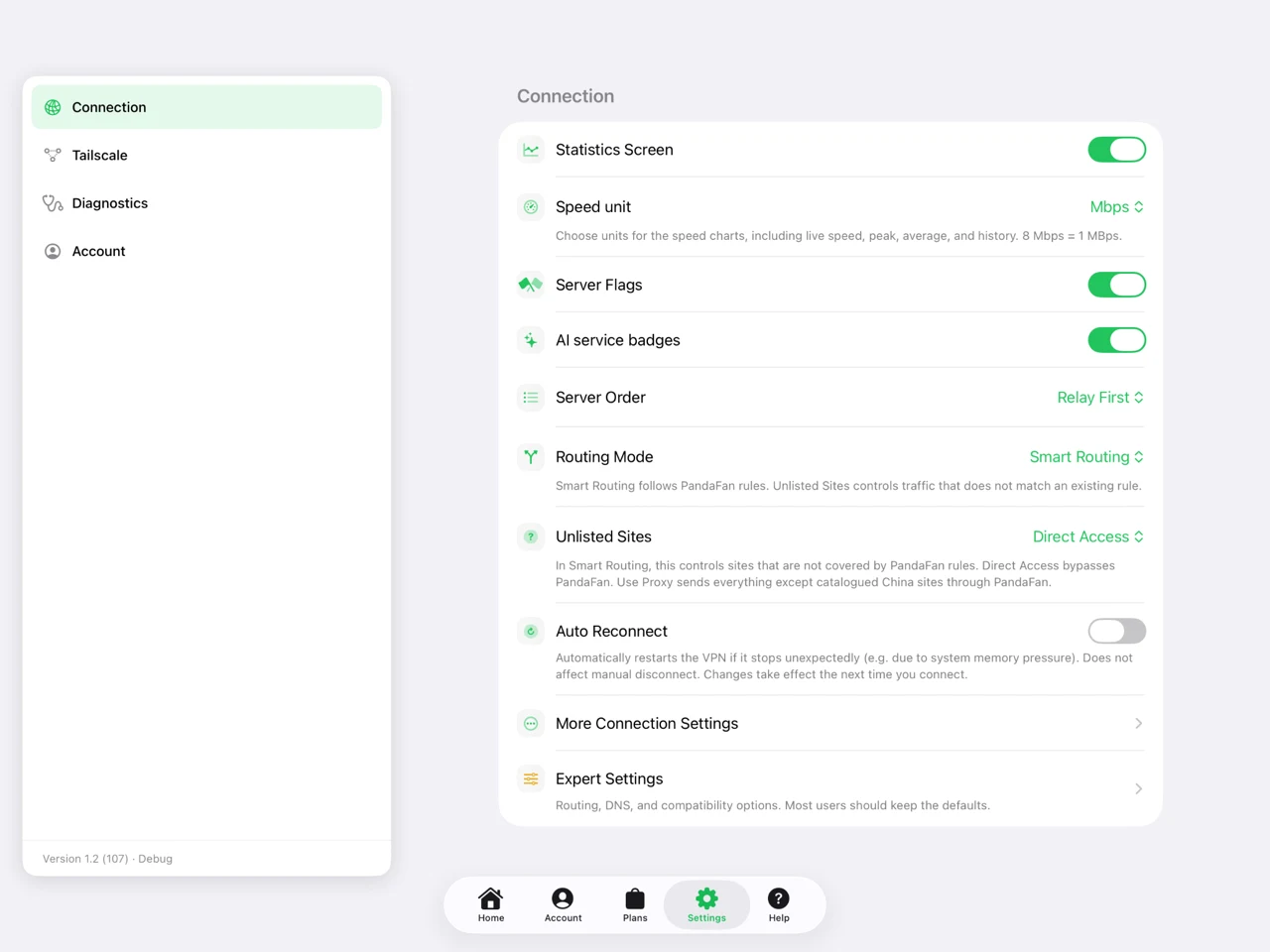
The App Store download requires an Apple ID outside mainland China. Only have a mainland China Apple ID? Install via TestFlight.
PandaCore
Built in Rust, PandaCore powers connections across desktop, mobile and routers. Explore its performance through throughput, CPU and memory measurements.
Connection
Let AUTO select a server, or choose your own region and connection mode.
Routing
Send traffic directly or through a proxy according to your mode and rules.
Statistics
Live speed, usage and connection details help you see what is happening.
Interface
GPUI on desktop, Compose on Android, and SwiftUI on Apple devices.
Tailscale
Join your Tailscale network on iPhone, iPad or Android to reach your computers and NAS while you’re away.
Gateway mode
Use a Mac or Windows PC as the gateway for your TV or console. Each device can use its own routing rules.
Getting started
PandaFan is available for Windows, macOS, Android, iPhone, iPad, Apple TV and routers. Devices without a dedicated app can connect through a router or LAN gateway.
Install via TestFlight. Sign in with an active service to access the installation link in our guide.
The app is free to download. Connecting requires an active PandaFan plan. Sign in with your existing account, or explore our plans to get started.